Shipping AI features users actually trust
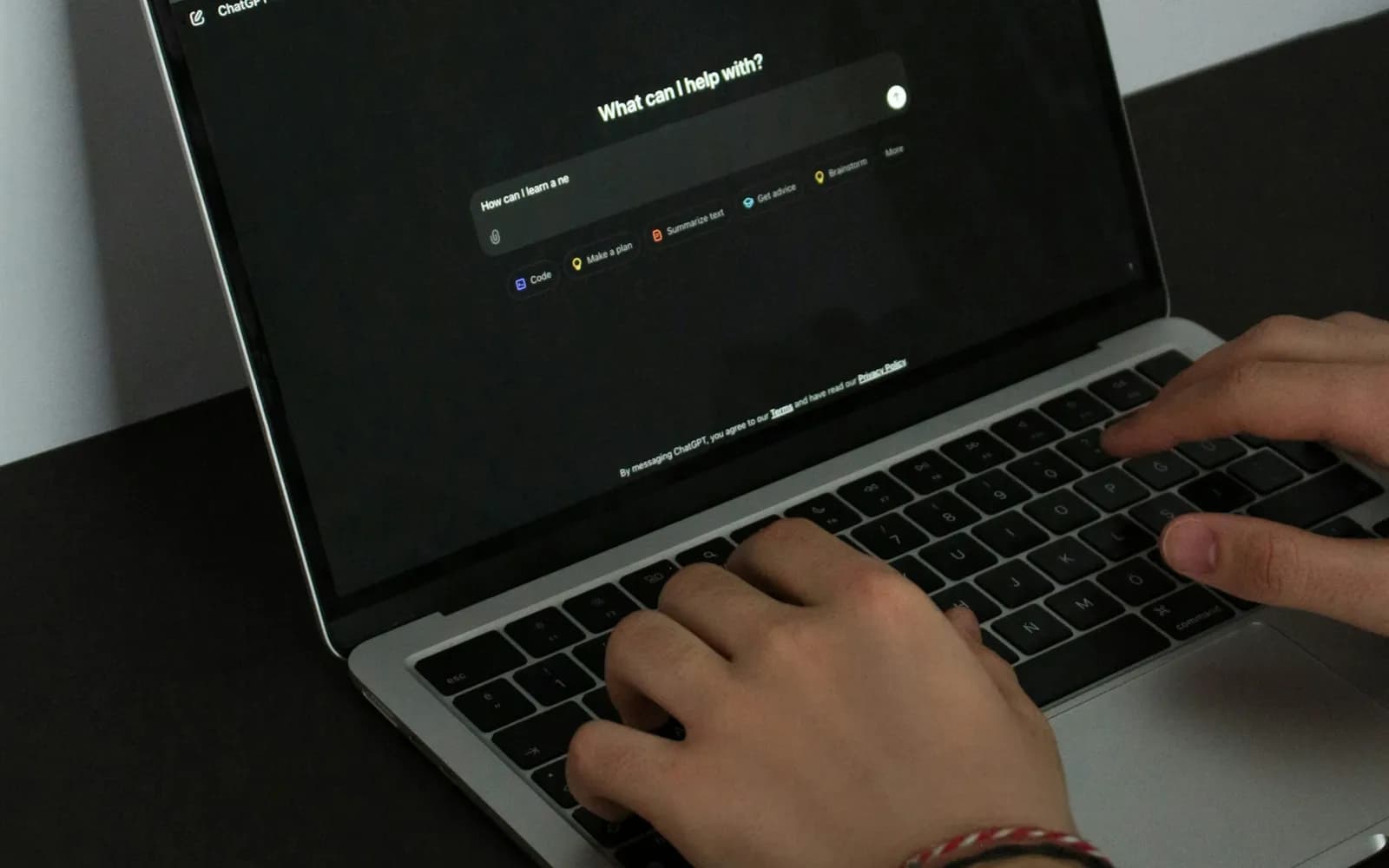
AI assistants and agents are moving from demos into the everyday software businesses already use: support inboxes, booking tools, internal dashboards, document workflows. The question for a product team is no longer whether to add an assistant, but where it earns its place and how to make people trust it. This post is a practical guide to shipping AI features users actually rely on.
Start with a job, not a model
The strongest AI features start with a specific, repetitive job that people already do and dislike. Drafting a first reply to a routine support message. Summarising a long thread before a handover. Pulling the right fields out of a document so nobody retypes them. A booking app might use an assistant to suggest a reschedule time when a customer cancels, rather than offering a general chat window that can answer anything.
Narrow jobs are easier to test, easier to explain and easier to trust. They also make the value visible: you can compare how long the task took before and after, using your own measurements.
Where assistants pay off, and where they do not
Assistants tend to help when the work involves language, when a good-enough first draft saves time, and when a person can check the result quickly. They tend to disappoint when a single mistake is expensive, when the task needs precise facts the system cannot reach, or when nobody can tell whether the answer is right.
A useful screening question is this: if the assistant is wrong, what happens, and who notices? If the answer is that a customer notices after money has moved, the feature needs stronger controls or should not exist yet. If a teammate notices in seconds, you have a good candidate.
Design guardrails before you launch
Guardrails are the limits that keep an assistant inside its job. They do not need to be exotic. Decide in advance:
- What data the assistant may read, and what it must never see.
- Which actions it may take on its own, and which need approval.
- What it should say when it does not know, so that it declines instead of guessing.
- How it hands over to a person when the conversation goes beyond its scope.
Give the assistant the least access it needs. Connect it to the specific records required for the task, rather than a whole database. Log what it did, so that when something goes wrong you can see why.
Keep a human in the loop where it counts
Human review is not a sign that the automation failed. It is the reason people feel safe using it. A sensible pattern is to let the assistant prepare and a person approve for anything that sends a message to a customer, changes a record or spends money. As evidence builds that a certain action is reliable, you can loosen review for that action alone.
Make review cheap. Show the draft next to the source it used, highlight what changed, and let the reviewer correct it in one step. If checking takes longer than doing the task manually, people will stop using the feature or, worse, stop checking.
Earn trust through honest behaviour
Trust grows from small, consistent signals. Tell people when they are talking to an assistant. Show where an answer came from, such as the document or record behind it, so they can verify it. Admit uncertainty plainly. Offer an obvious way to give feedback and a clear route to a human.
Equally important is what you do with their data. Say what is stored, for how long and whether it is used to improve the system, and follow the privacy rules that apply to your customers. A short, honest explanation in the interface does more than a long policy page nobody reads.
Measure what matters
Do not judge an assistant by how impressive it looks in a demo. Pick a few outcomes tied to the job: time saved per task, how often suggestions are accepted unchanged, how often people correct them, and how often a conversation needs a human anyway. Review real examples every week, including the failures, and write them down. A small set of test cases, drawn from your own situations and re-run whenever you change a prompt or a model, catches regressions before customers do.
This is the same discipline we describe in your first release is a measurement system: decide what success looks like before you ship, and build the way to see it.
Ship small, then widen
Launch to a limited group, watch how people actually use the feature, and fix the rough edges before expanding. Add capabilities one at a time, each with its own guardrails and measurements. Resist the temptation to give an agent broad powers on day one because the technology can technically support it.
Agents that take several steps on their own deserve extra care, because an early mistake can compound. Keep each step visible, set clear limits on what they may do, and make it easy to stop them.
Done well, an AI feature feels less like a novelty and more like a dependable colleague who handles the dull parts. If you are weighing where an assistant could help in your product, tell us about it or see how we approach real projects.
A final practical tip: write a plain-language note for your team describing what the assistant is for, what it must never do and who owns it. When the feature grows or the team changes, that short document keeps everyone aligned and makes later reviews far easier.
Frequently asked questions
Where do AI assistants help most in business apps?
They help with language tasks such as drafting replies, summarising threads and pulling fields from documents, where a person can check the result quickly.
What are AI guardrails?
Guardrails are limits that keep an assistant inside its job. They cover what data it can read, what actions it can take on its own and what it says when it does not know.
How do I earn user trust in an AI feature?
Say clearly that it is an assistant, show the source of answers, admit uncertainty, and give people an easy way to reach a person.